A full product page, condensed into a popup
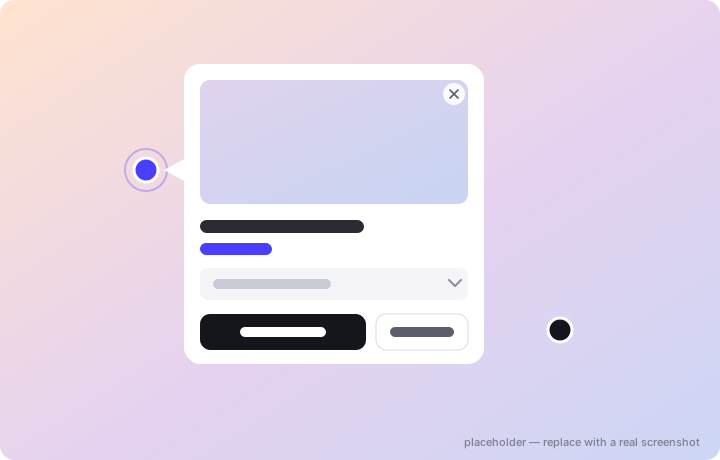
Three hotspot types — Product, Information, and Link — placed by clicking directly on the image and repositioned by dragging.
- Live prices, always current — fetched from your store at view time (Shopify Markets aware, your money format respected), with optional min–max price ranges.
- Variant picker in the popup — sell the whole product, a hand-picked subset of variants, or pin one exact variant. Sold-out variants show as disabled, never silently swapped.
- Real add to cart — with honest error handling: “sold out” or “you can only add 2” shows right in the popup, not a generic failure.
- Four description sources — none, the product’s description, your own rich text, or a product metafield.
- Out-of-stock protection — an unavailable product gets a disabled button with your “Out of stock” label instead of a buyable CTA that fails.
- Smart placement — anchored popups pick the best side, point at their dot with an arrow, never cover it, and never get clipped by the viewport; or switch to an elegant centered modal.
- Link hotspots — six targets: product, collection, page, blog, article, or an external URL. Info hotspots carry a title and rich text.
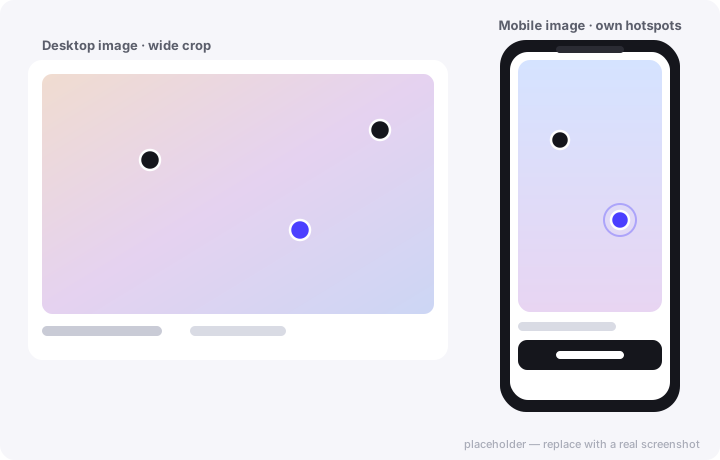
A different image for mobile — with its own hotspots
A wide desktop banner crops terribly on a phone. Hotspot Studio treats mobile as a first-class citizen, not an afterthought.
- Separate desktop and mobile images — upload a tall crop (or a completely different photo) for phones; mobile falls back to desktop when you don’t need it.
- Independent hotspot coordinates per device — a Desktop/Mobile toggle in the editor lets you place every dot exactly where the product sits on each image.
- Per-device marker sizes — separate desktop and mobile size sliders (40–200% of the preset).
- Per-element mobile visibility — hide a caption’s heading, text, or button on phones independently.
- Video supported too — either slot can hold a video, with poster and processing states handled for you.
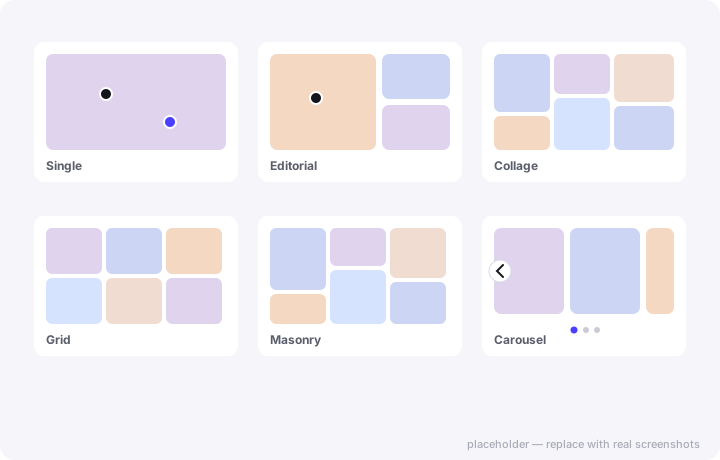
From a hero image to a full lookbook
Every tile in every layout is a complete hotspot canvas with its own image, caption, background, and popups.
- Single — one hero image. Editorial — a featured image (left or right, three width ratios) with two stacked beside it. Collage — a six-image magazine arrangement.
- Grid & Masonry — up to 48 images, 2–6 desktop columns, 1–2 on phones, adjustable gap; Grid adds an image-shape control (original, square, portrait, landscape) while Masonry keeps natural staggered heights.
- Carousel — up to 12 slides on buttery native scroll-snap: 2–4 per view, arrows / dots / a draggable scrollbar / or nothing, optional infinite loop, custom arrow images, and a “hide navigation on phones” mode.
- Non-destructive switching — images are one shared pool; changing layouts never deletes anything.
- Captions everywhere — every image can carry a heading, rich text, and a button in five positions, with a readability shade that keeps text legible on busy photos.
Shop the Look and in-popup recommendations
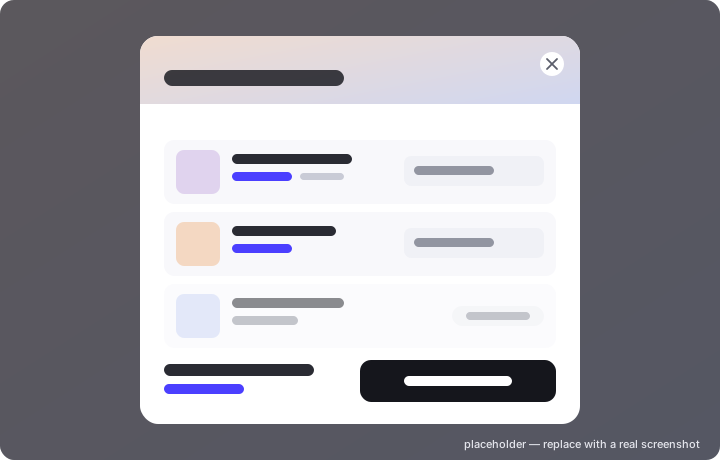
The products you tag become a bundle. One button adds the entire outfit — or opens a premium picker where shoppers choose their sizes first.
- Picker or instant add — a styled modal with one card per product, variant selects, a live running total and a single “Add all” — or a one-click instant add.
- Sold-out never blocks the sale — unavailable items are dimmed and skipped; the rest of the look still adds in one request.
- Frequently bought together — Shopify’s automatic recommendations or your hand-picked products (1–3), quick-addable right inside the popup. Prefetched during idle time so it appears instantly.
- Fully on-brand — the modal inherits your preset’s colors, fonts, radius, and buttons.
Real Shopify discounts, scoped to your section
Not a fake strikethrough — a genuine Shopify automatic discount created and managed for you, applied at checkout by a discount function.
- Per-product sales — percentage or fixed amount off any tagged product, with the struck-through original price shown in the popup and variant picker.
- Bundle deals — a Shop-the-Look discount off the whole outfit, reflected per row and in the running total.
- Section-scoped — the deal applies only to items added from your image; adding the same product elsewhere doesn’t get the price. That’s what makes it a reason to engage.
- Stacking under your control — choose whether it combines with product, order, and shipping discounts.
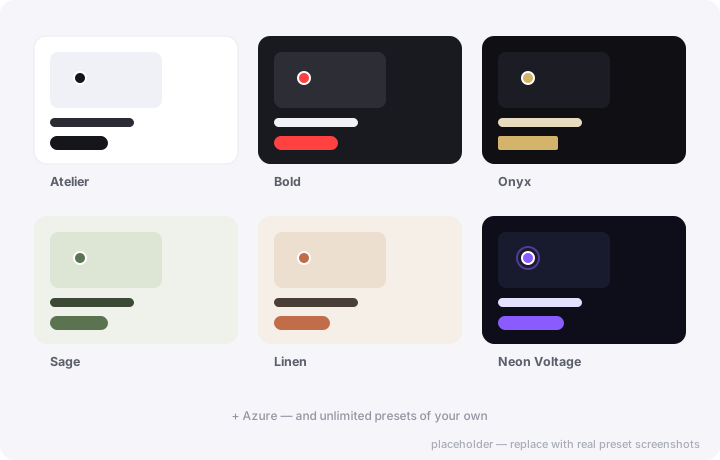
Seven designer presets. Forty-plus style controls.
Start from Atelier, Bold, Onyx, Sage, Linen, Neon Voltage, or Azure — then make it yours. Every visual detail is a setting, not a CSS hack.
- Markers — shape, size, border, pulse/beacon/breathe animations (with staggered timing so dots don’t blink in unison), colors and shadow.
- Popups — width, radius, padding, solid or gradient backgrounds with glass opacity, borders, shadows, image position (full-bleed top or side thumbnail), 14 font choices plus custom font stacks.
- Buttons — solid / outline / soft styles with rest and hover colors for primary, secondary, Shop-the-Look, and caption buttons; every label is editable (translate “Add to cart” into anything).
- Carousel chrome — arrow colors and size, dots/scrollbar color, even your own arrow image.
- Reusable — presets apply across sections; tweak one place, update everywhere. Per-section overrides when one experience needs to differ.
A live preview that tells the truth
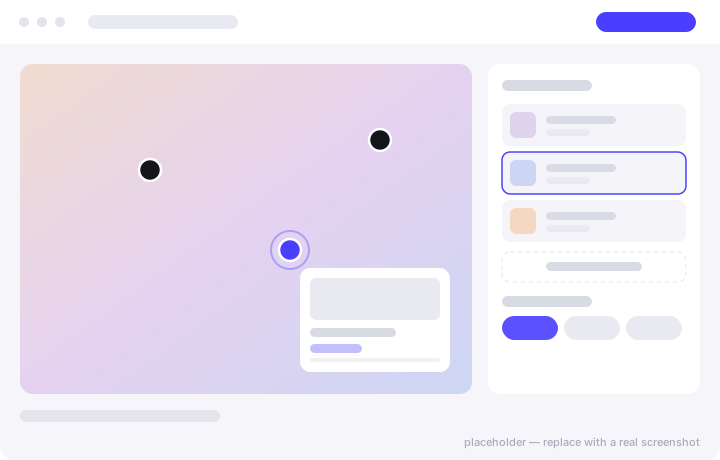
What you see in the editor is what renders on your storefront — same layouts, same popups, same styling, real product images and prices.
- Six one-click templates — Hero Spotlight, Shoppable Look, Product Feature, Lookbook Grid, Editorial Masonry, Editorial Feature — pre-seeded with layouts, captions, and hotspot positions.
- Draft → publish workflow — save without going live, publish when ready, and see an “unpublished changes” badge when the live version is stale. Cmd/Ctrl+S works.
- No lost work — unsaved-changes guards on navigation and tab close; archive instead of delete, restorable any time.
- Guided setup — an interactive checklist that detects your theme block automatically, plus a step-by-step guide with theme-editor deep links.
- Duplicate anything — clone a whole section with all images, hotspots, and settings.
Know which image made the sale
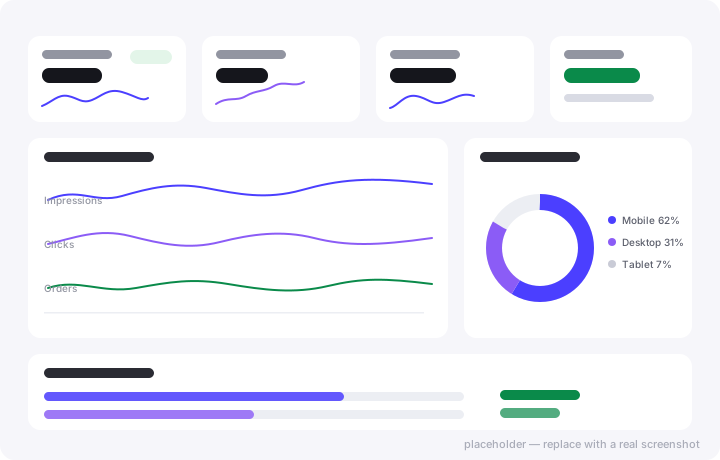
Every add-to-cart made through the app tags the order invisibly — so revenue is attributed to the exact section and hotspot that earned it. Refunds subtract automatically.
- The funnel — impressions → hotspot clicks → add to cart → orders, with attributed revenue and AOV.
- Daily trends — synchronized sparkline lanes for views, clicks, carts, and orders over 7 / 30 / 90 days or any custom range.
- Devices & hours — a mobile/desktop/tablet donut and a peak-hours chart in your store’s timezone.
- Leaderboards — top hotspots and top products by clicks, carts, orders, and revenue, deep-linked to their editors.
- Plain-language insights — “what the numbers say” summaries, plus CSV export of everything.
- Privacy-safe — anonymous and aggregate: no cookies, no identifiers, no consent banners needed.
The details competitors skip
Smart targeting
Assign experiences to products, single variants, or whole collections — smart collections stay correct with zero syncing. Non-product pages use a simple Experience ID.
Per-variant experiences
Map variants to different experiences: when a shopper switches color, the whole section swaps in place — no page reload, powered by Shopify’s Section Rendering API.
Cart drawer, your way
After any add: open the theme’s drawer (Dawn and Horizon supported out of the box), reload, go to cart, or do nothing and drive your own — with a custom selector fallback.
Seriously fast
A ~10 KB dependency-free core that hydrates lazily as sections scroll into view. Feature scripts load only when their feature is on — zero bytes otherwise.
Accessible by default
Focus-trapped dialogs, keyboard and screen-reader support, labelled controls, and reduced-motion respected — out of the box, on every theme.
Developer-friendly
Public JavaScript events for popup opens and cart adds, a re-render hook for AJAX themes, and copy-paste recipes — the full API surface is documented on the Developers page.
See it on your own products
The free plan includes three full sections with complete styling — enough to publish a real shoppable image today and judge for yourself.